Tech news
ArtCraft Explained: Benefits, Costs and Creative Risks
ArtCraft gives creators another way to make images, videos and designs. Its open-source approach offers more freedom, but costs, compatibility and quality still deserve a closer look. A good creative tool should make it easier to bring an idea to life. You want to move a subject, change the lighting or try another direction without starting the whole process again.
Make yourself comfortable.
A good creative tool should make it easier to bring an idea to life. You want to move a subject, change the lighting or try another direction without starting the whole process again.
That is the appeal of ArtCraft. The project combines a visual image-and-video studio with a growing family of creative applications. For freelancers, students and small teams, it raises an appealing possibility: more choice about how they work and which tools they depend on.
But an impressive demonstration is only the beginning. What matters is whether the software works with your files, your budget and the deadlines you actually face.
What Is ArtCraft?
ArtCraft’s main studio lets users compose scenes before generating images or video. Its official website describes features such as image layering, 3D composition, character posing and background removal.
Instead of describing every detail through a written prompt, creators can arrange parts of a scene visually.
The separate Crafting Apps family includes tools such as PhotoCraft for image editing, VectorCraft for illustration and FilmCraft for video. On 13 October 2026, the official lineup listed thirteen applications, with products labelled early alpha or in development.
That distinction matters. Having an installer available does not automatically mean an application is ready for every professional project.
The Benefits of ArtCraft
More control over creative ideas
Anyone who has used an image generator knows the frustration of getting something almost right. The atmosphere works, but the subject is in the wrong position. You revise the prompt, and another detail changes.
ArtCraft’s visual approach offers a different starting point. Arranging a composition before generating it may help creators communicate their intentions more clearly.
It still requires judgement. A carefully staged scene does not guarantee a flawless result, but it can make the creative process less dependent on finding the perfect wording.
More freedom through open source
The ArtCraft repository makes the studio’s source code available under MIT or Apache-2.0 licensing.
People with the necessary technical skills can inspect, modify and build the software. Other users gain another option to explore rather than relying entirely on one established provider.
For a small studio, that freedom can begin with something modest: testing an alternative on one task before committing to a larger change.
More room to experiment
Early creative work often involves exploring ideas that never reach the final version. A designer might try several compositions before finding one that makes sense for a client.
Tools that simplify this stage could leave more time for decisions about the message, audience and visual direction. That is a potential benefit—not a claim that ArtCraft makes every project faster.
A Small Story: Making an Idea Visible
Nia has a sketch for a café poster, but her first concepts keep missing the warmth of the place. She puts the sketch beside her tablet and begins arranging the composition around one simple idea: an inviting table near a window.
By the afternoon, she has a direction she can explain. The owner asks for a quieter background. This time, the discussion begins with something visible.
The useful breakthrough is a clearer decision about the poster, long before anyone calls it finished.
This is a fictional vignette, not an ArtCraft customer testimonial.
The Risks and Repercussions
Free software can still involve costs
ArtCraft’s pricing page offers paid generation plans and credit packs. It also describes ways to use the software without a subscription through your own compute or supported third-party subscriptions.
Those alternatives can carry costs too.
Before starting, separate access to the software from the cost of producing content. Include unsuccessful generations, revisions and setup time when judging whether a workflow is affordable.
Early applications need careful testing
A missing feature or unfamiliar export setting can cause problems when a deadline is close. Even a file that opens successfully may look different in another application.
Because several Crafting Apps remain in development, test them with copies of your own projects. Check the details that matter to your work: fonts, layers, colour, audio and exported files.
This article is a researched overview, not a hands-on compatibility review. It does not establish that ArtCraft can fully replace Adobe Creative Cloud or Microsoft Office.
Privacy depends on the workflow
The Crafting Apps page describes local processing on your own files. The main studio also supports generation providers, as documented in its repository.
Before uploading confidential material, check where your references are sent and how the selected service handles them. Open-source software alone does not answer every privacy question.
Faster production may increase expectations
When creating concepts becomes easier, clients may expect more variations or shorter turnaround times. Creators could find themselves producing more without receiving more time or pay.
These are possible consequences of wider automation, not evidence that ArtCraft has already caused specific job losses.
Clear expectations still matter. The value of creative work includes understanding the brief, choosing a direction and recognising when a result needs correction.
Quality and trust remain human responsibilities
Realistic images can contain convincing mistakes. Faces, hands, product details and visual consistency all need attention.
Before using an asset commercially, review the provider’s terms, your references and any client restrictions. A software licence does not settle every question about an image’s use.
Illustrative images should also stay separate from documentary claims. A believable scene does not prove that an event happened.
A Small Story: The Last Check Matters
Kian and Lindiwe are ready to send a campaign proof. On screen, the layout looks settled. On paper, one colour feels wrong.
They pause, compare the files and make another export. It takes an extra hour, but the client receives work they have actually checked.
Whatever software they choose next, that final review remains part of the job.
This is a fictional vignette illustrating a practical quality check.
Is ArtCraft Worth Trying?
ArtCraft offers an interesting starting point for people exploring visual generation and open-source creative tools.
The sensible approach is to begin with a small project:
Choose a personal concept or a copy of completed work.
Check the relevant application’s development status.
Track setup time, generation charges and corrections.
Test the exported result in its intended destination.
Expand its role when the results justify the change.
For deadline-heavy work, the decision should rest on your requirements and your files. The best creative tool earns its place by helping you produce work you can confidently hand over.
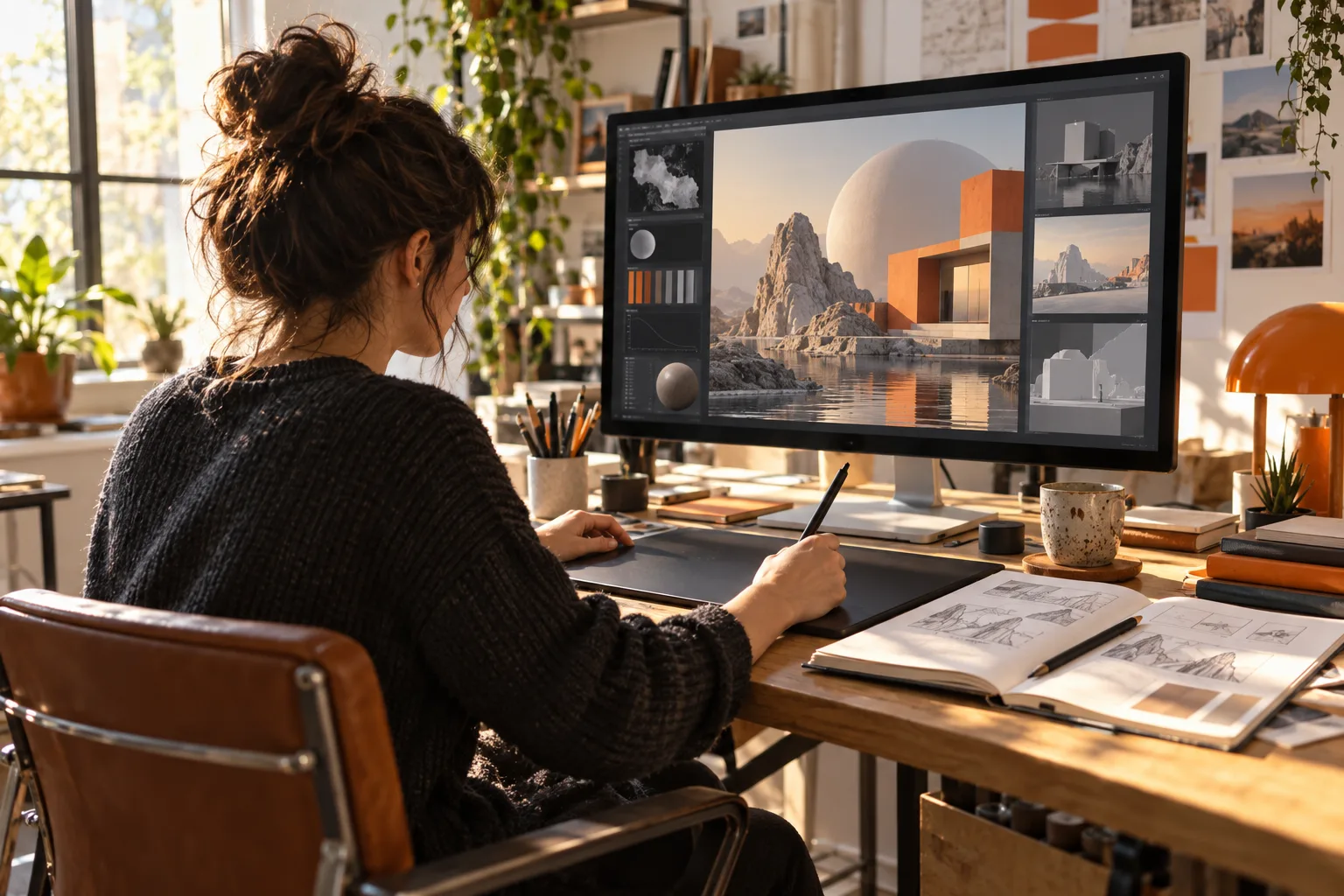
Sources checked on 13 October 2026. Images are original editorial illustrations of imagined scenes, not ArtCraft screenshots or photographs of actual users.